Creating 360° Panoramas and Skyboxes
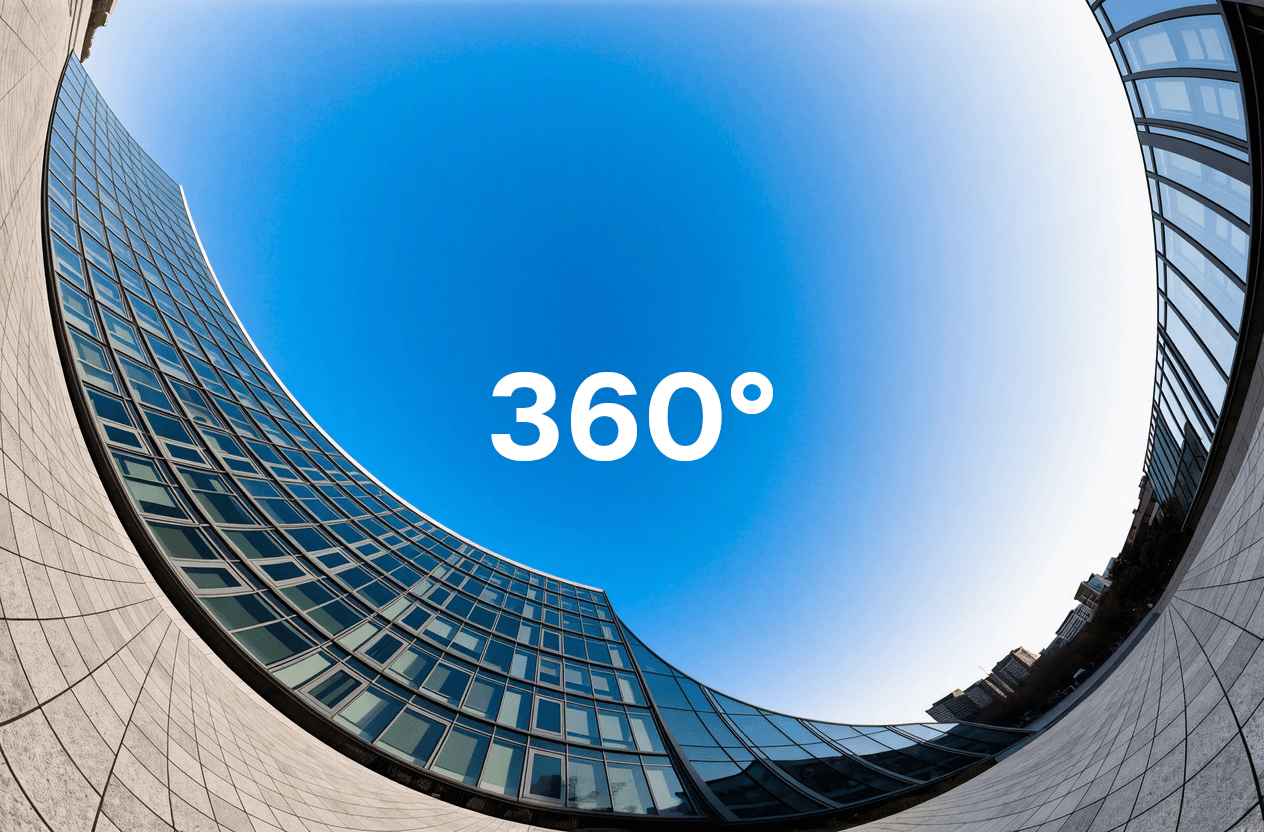
A 360° panorama is a single image that wraps completely around the viewer. Stored as an equirectangular projection, a 2:1 image where the horizontal axis covers a full turn and the vertical axis covers floor to ceiling, it becomes a skybox in a game engine, an environment map for lighting and reflections, a backdrop for a VR scene, or a surrounding view in an architectural walkthrough.
The format has two requirements that ordinary image generation tends to miss. The left and right edges have to meet exactly, or a visible seam runs through the scene at one point in the rotation. And the distortion has to be correct: content near the poles is stretched heavily in equirectangular space, so a scene that looks reasonable as a flat image can bend and smear once it is projected onto a sphere.
The panorama workflow in the Crafiq studio generates images that are built for that projection from the start, so you can drop the result straight into a viewer or an engine.
Generating and viewing a 360° panorama in the Crafiq studio
Four models, different trade-offs
The workflow gives you a choice of model, and they differ mostly in speed, cost and how they take input.
FLUX.2 Klein 360 is a FLUX.2 Klein 9B LoRA we trained. It generates a panorama in roughly ten seconds and can work from a prompt alone or from up to four reference images. It is thfe deault, and the one worth trying first for most scenes.
Z-Image 360 is a [Z-Image Turbo LoRA from CedarC],(https://huggingface.co/CedarC/Z-Image_360) also around ten seconds. It is text-only, with no image input, and is a good second opinion when you want a different interpretation of the same prompt at the same speed.
GPT Image 2 is the outlier in the list. It is a general purpose image model with no panorama-specific training, but it understands the equirectangular format well enough to produce usable panoramas most of the time. What it brings is intelligence and text accuracy: it follows complicated prompts more reliably, keeps track of what should be where in a scene, and renders legible signage and lettering that the other models tend to mangle. The trade-off is at the boundary, where the wrap between the left and right edges is less consistently clean than in the models trained for the format. It accepts up to eight reference images and comes in low, medium and high quality settings.
Hunyuan World from Tencent takes a different approach. It converts a single input image into the full 360° environment surrounding it, and unlike a generic model prompted into the format, its panorama stage was trained for exactly that task, with circular padding and progressive blending applied during generation so the two edges meet correctly. In Tencent's own evaluation it outscores dedicated panorama methods like Diffusion360, MVDiffusion and PanFusion on image-conditioned generation. It requires exactly one image and takes several minutes, which makes it the slowest option here, but it is the strongest choice when you already have the view you want and need a coherent world built around it.
From text or from an image
Both paths are supported and they suit different situations.
Starting from a prompt is the fastest way to explore. Describe the environment you want, generate a few, and keep the direction that fits. Because the models are tuned for the format, you can describe the scene itself rather than trying to explain the projection.
Starting from images is useful when the look is already decided. A concept painting, a photograph, a frame from an existing scene or a set of style references can be used as input, and the model extends that view into a complete surrounding environment. This is the more practical route when the panorama has to match assets you already have.
Resolution
Panoramas need more pixels than most images. A skybox covers the entire field of view, so the viewer is always looking at a small crop of it at any moment, and detail that seems generous in a flat image can look soft once it is wrapped around a scene.
The workflow offers 2K, 4K, 6K and 8K output. 2K is fine for previews, distant backdrops and lighting reference. 4K and above are worth it when the sky or the surroundings are actually in view, or when the panorama is used in VR, where the viewer can look closely at any part of it.
Create your own panoramas
Generate 360° environments and skyboxes in the studio.
Using the output
The result is a standard equirectangular image, so it works anywhere that format is expected: as a skybox texture in Unity or Unreal, as an HDRI-style environment map for image-based lighting, as a 360° image in a web viewer, or as a background plate in a 3D scene.
Panoramas generated from a prompt are also a useful input for other work. They give you a consistent environment to place characters and props into, and a coherent lighting direction to match when you generate the rest of a scene.
The panorama workflow is available now in the Crafiq studio, and the LoRA behind FLUX.2 Klein 360 is published on Hugging Face.